
Top20Find is reader-supported. When you buy through links on this page, we may earn a commission at no extra cost to you. Learn more.
A home desk gets used for eight hours a day, so small improvements add up quickly. The right desk accessory can make a workspace more comfortable, better lit and easier to keep tidy, without spending much.
Everything here is usually under $50 and works on almost any desk. For bigger upgrades like chairs and monitors, see our new home office guide. For more ideas, see our tech gift guide.
Quick Picks
| Gift | Best for |
|---|---|
| Monitor riser with drawer | Raising the screen and adding storage |
| Quntis monitor light bar | Lighting the desk without screen glare |
| Gel wrist rest set | Comfort while typing and using a mouse |
| Ergonomic footrest | Better posture at a desk |
| Lamicall adjustable phone stand | Keeping the phone visible |
| Headphone stand | A tidy home for headphones |
| Ticktime Pomodoro timer cube | Focused work sessions |
| Stick-on under-desk drawer | Hidden storage |
| Desk organizer tray | Corralling pens and small items |
Table of Contents
ToggleHow to Choose a Desk Accessory Gift
- Look at their setup. Laptop only, one monitor or two? That changes what’s useful.
- Comfort first. Wrist rests, footrests and risers help with long hours.
- Light it right. Poor lighting causes eye strain; a light bar is a simple fix.
- Match their style. Wood, felt and metal accessories suit different desks.
Comfort and Posture

Monitor Riser with Drawer
Why it’s a good pick: A sturdy stand lifts a monitor or laptop closer to eye level and adds a drawer for small items underneath.
Best for: Anyone whose screen sits too low
What to check before buying: Measure the desk and monitor base, and check the weight capacity.
Gel Wrist Rest Set
Why it’s a good pick: Soft gel pads for the keyboard and mouse support the wrists during long typing sessions.
Best for: People who type all day
What to check before buying: Check the keyboard length (full-size or compact) and that the base is non-slip.
Ergonomic Footrest
Why it’s a good pick: A tilting footrest supports the feet and helps with posture, especially when a chair is a little high for the desk.
Best for: Shorter people and anyone with a tall chair
What to check before buying: Check the height adjustment and surface texture. Some models rock for gentle movement.
Lighting and Focus
Quntis Monitor Light Bar
Why it’s a good pick: A light bar that sits on top of a monitor and lights the desk without reflecting on the screen, freeing up space from a desk lamp.
Best for: Evening workers and small desks
What to check before buying: Check that it fits their monitor’s thickness and bezel, and that it has a USB power source.
Ticktime Pomodoro Timer Cube
Why it’s a good pick: A timer cube that starts counting when flipped to a side, a simple, phone-free way to work in focused blocks.
Best for: People who get distracted easily
What to check before buying: Check the preset times and whether it has a silent or vibration mode.
Tidy and Organized
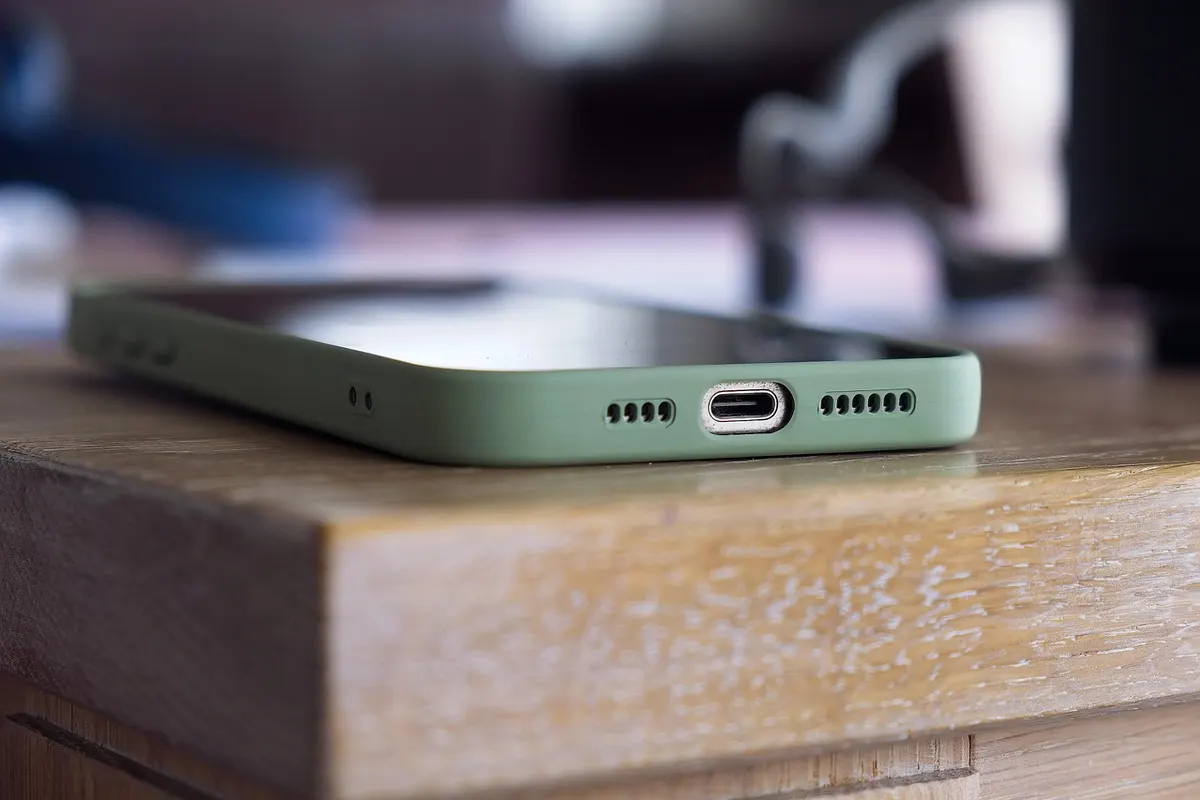
Lamicall Adjustable Phone Stand
Why it’s a good pick: A sturdy, adjustable stand keeps a phone upright for notifications, video calls or following recipes.
Best for: Anyone who works with a phone nearby
What to check before buying: Check that it fits their phone size with a case, and whether it allows charging while in the stand.
Headphone Stand
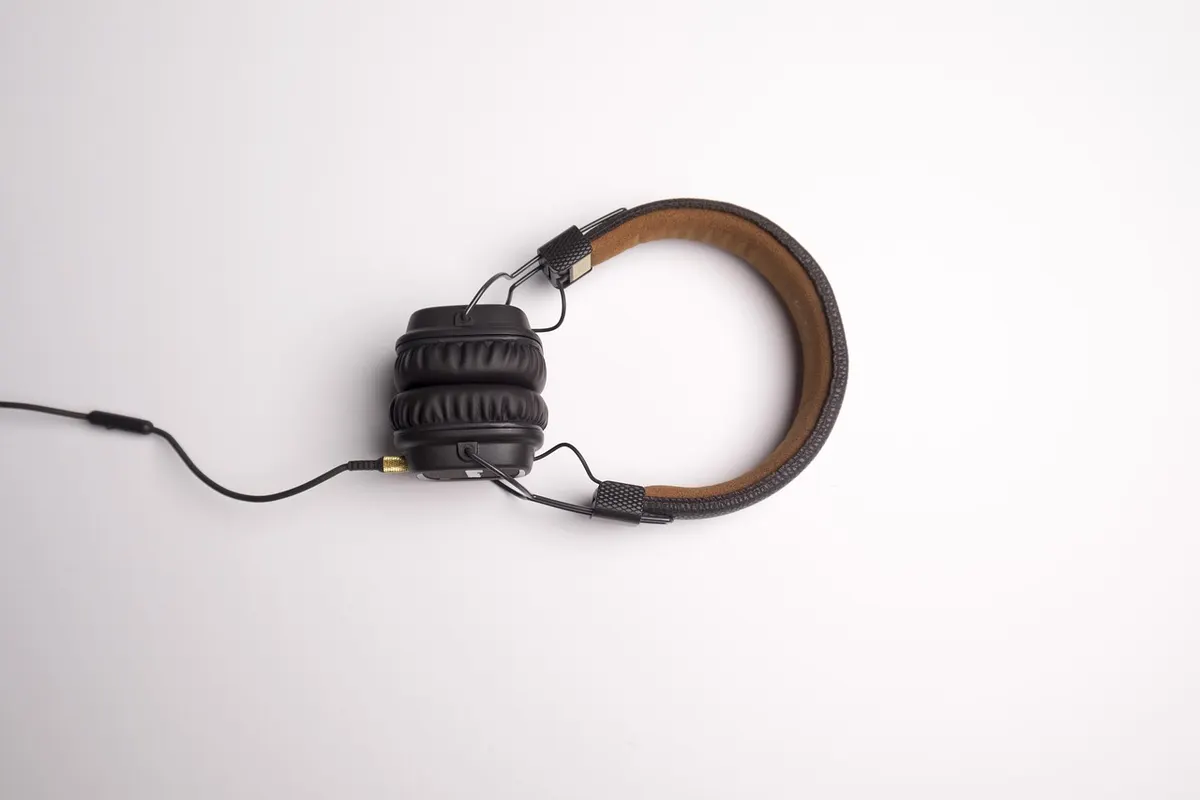
Why it’s a good pick: A stand gives headphones a home on the desk instead of a drawer, keeping cables tidy and headphones protected.
Best for: Remote workers with over-ear headphones
What to check before buying: Check the height and base size. Some stands include USB ports or a hook under the desk.
Stick-On Under-Desk Drawer
Why it’s a good pick: A drawer that attaches under the desk with adhesive adds hidden storage for pens, cables and notes.
Best for: Desks without drawers
What to check before buying: Check the adhesive surface compatibility, weight limit and desk thickness. Renters and shared desks may prefer clamp-on options.
Desk Organizer Tray
Why it’s a good pick: A wooden or felt tray gives pens, notebooks and small items a home, keeping the desk clear.
Best for: Anyone with a cluttered desk
What to check before buying: Check dimensions and compartments. Choose a finish that matches their desk.
More Gift Guides You Might Like
Frequently Asked Questions
What are good desk accessories for remote workers?
A monitor riser, light bar, wrist rest, footrest, phone stand or a simple desk organizer are affordable and useful.
How do I make a home desk more comfortable?
Raise the screen to eye level, support the wrists and feet, and improve the lighting.
Are monitor light bars worth it?
Many people find them helpful because they light the desk without glare on the screen and take no desk space.
What is a good cheap gift for someone who works from home?
A phone stand, a Pomodoro timer, a wrist rest or a desk organizer are all under $30.
Getting the Timing Right
- Check the delivery date for the recipient’s address at checkout, not just the “fast shipping” label.
- Popular gadgets can sell out around the holidays and big sale events, so order early.
- Check compatibility before you wrap it. Phones, laptops and smart home apps must match the device.
- Out of time? A digital gift card can be delivered by email on the day.
Before You Buy
- Check their monitor and desk size.
- Ask about comfort issues like wrists or posture.
- Match the style of their desk.
- Check the current price and the delivery date at checkout.