
Top20Find is reader-supported. When you buy through links on this page, we may earn a commission at no extra cost to you. Learn more.
A messy tangle of cables can make even a great desk setup look chaotic. Cable management gifts are inexpensive, practical and surprisingly satisfying: they hide cords, keep chargers within reach and make cleaning around the desk much easier.
This guide covers under-desk trays, covers, clips and labels for a cleaner setup. Most are easy to install; for rentals and shared desks, check adhesive and clamp options. For more desk ideas, see our tech gift guide.
Quick Picks
| Gift | Best for |
|---|---|
| Under-desk cable tray | Hiding power strips and extra cable |
| Cable spine | Guiding cords from desk to floor |
| Braided cable sleeve | Bundling several cables into one |
| Adhesive cable clips | Keeping charging cables on the desk edge |
| Clamp-on desk power strip | Outlets and USB within reach |
| Cable management box | Hiding a power strip on the floor |
| Cord cover raceway | Hiding cables along walls |
| Brother P-touch label maker | Labeling every cable and plug |
Table of Contents
ToggleHow to Choose a Cable Management Gift
- Look under the desk. Trays and clamps need a suitable desk edge and thickness.
- Count the cables. Sleeves and spines come in different capacities.
- Check the surface. Adhesive products may not stick to textured surfaces and can mark paint.
- Standing desks need slack. Cables must move as the desk rises.
Under and Behind the Desk
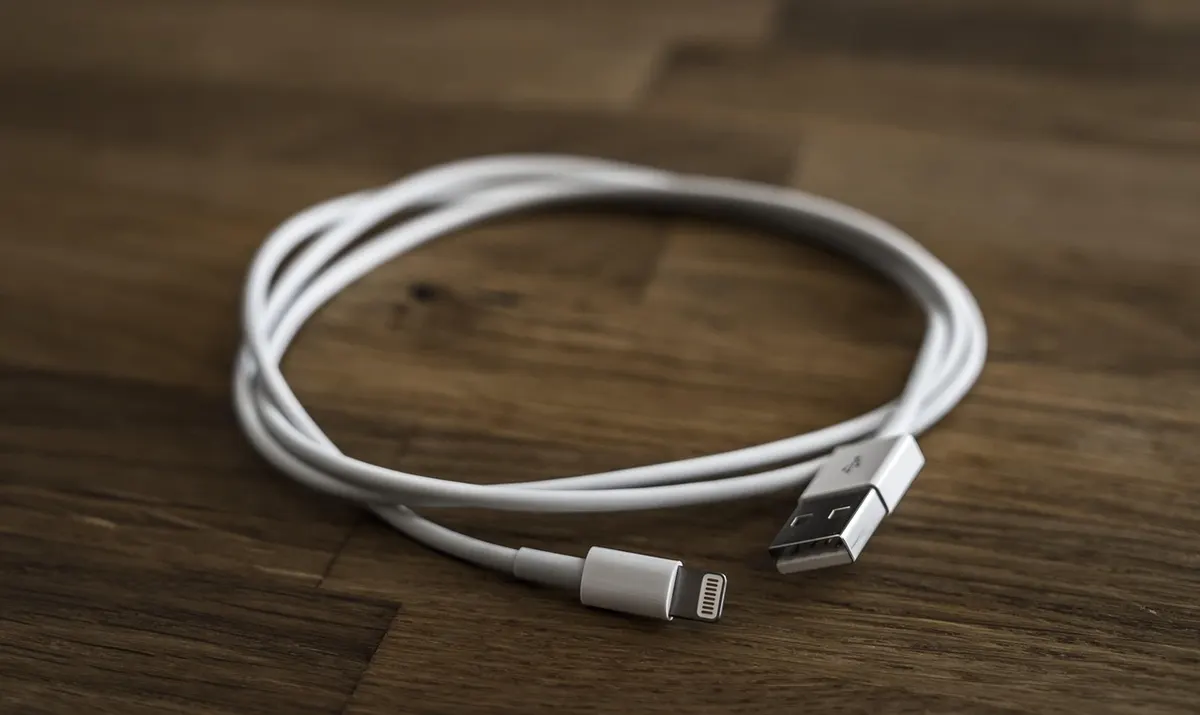
Under-Desk Cable Tray
Why it’s a good pick: A metal or mesh tray that mounts under the desk to hold power strips, adapters and extra cable length out of sight.
Best for: Desks with lots of devices
What to check before buying: Check the tray length, mounting method (screws or clamps) and desk thickness.
Cable Spine
Why it’s a good pick: A flexible, segmented channel that guides cables neatly from the desk to the floor, and moves with standing desks.
Best for: Standing desks and desks away from walls
What to check before buying: Check the length and how many cables it holds.
Cable Management Box
Why it’s a good pick: A box that hides a power strip and excess cable on the floor, with openings for cords to exit.
Best for: Floor-level power strips
What to check before buying: Check the size fits their power strip and that it has ventilation.
On the Desk
Braided Cable Sleeve
Why it’s a good pick: A flexible sleeve that zips or wraps around several cables, turning a messy bundle into one neat cord.
Best for: Monitor, lamp and charger cables
What to check before buying: Check the diameter and length for the number of cables.
Adhesive Cable Clips
Why it’s a good pick: Small clips that stick to the desk edge and hold charging cables in place so they don’t fall behind the desk.
Best for: Keeping chargers within reach
What to check before buying: Check the number of slots and adhesive surface. Test on a hidden spot first.
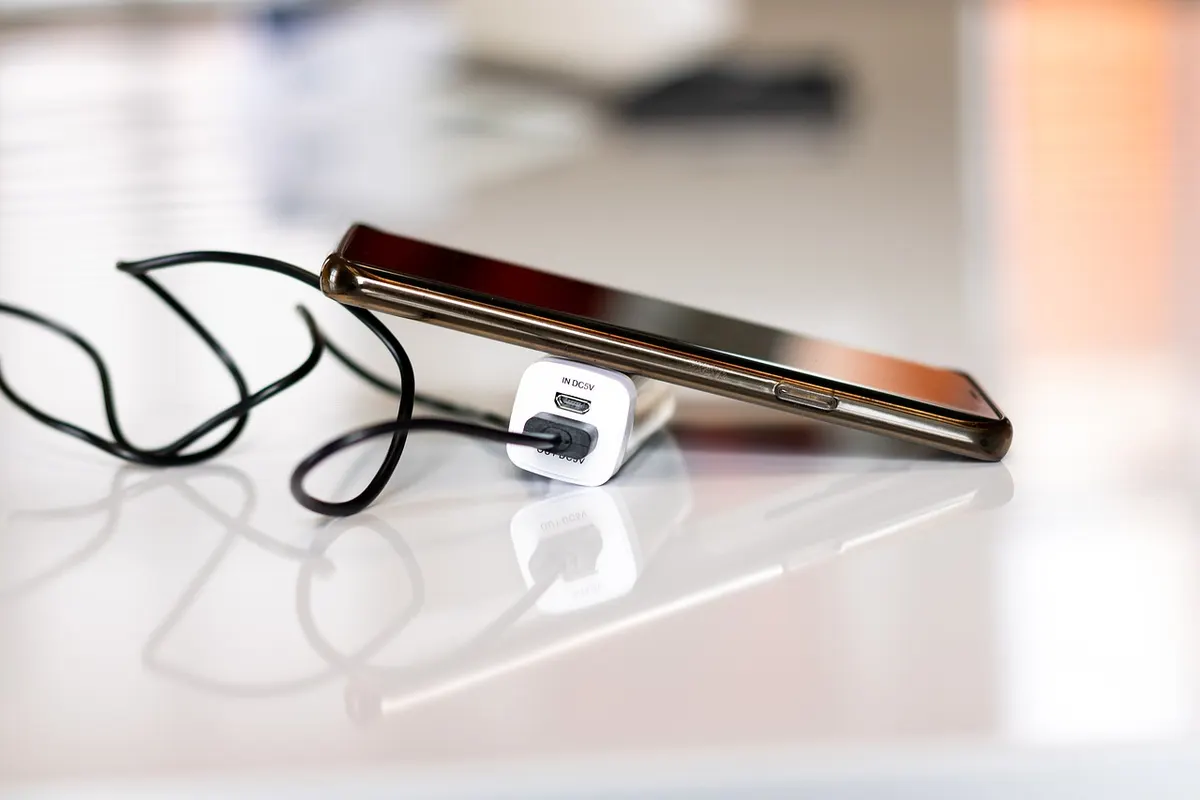
Clamp-On Desk Power Strip
Why it’s a good pick: A power strip that clamps to the desk edge, putting outlets and USB ports within reach instead of on the floor.
Best for: Desks where plugs are hard to reach
What to check before buying: Check the clamp range, number of outlets and safety certification.
Walls and Labels
Cord Cover Raceway
Why it’s a good pick: A paintable channel that sticks to the wall to hide cables running to a desk or wall-mounted monitor.
Best for: Cables running along walls
What to check before buying: Check the channel size and adhesive; renters may need removable options.

Brother P-touch Label Maker
Why it’s a good pick: A compact label maker for labeling cables, chargers and plugs so they’re easy to identify.
Best for: Organized people with lots of chargers
What to check before buying: Check which tape sizes it uses and the cost of refills. Flag-style labels work well on cables.
More Gift Guides You Might Like
Frequently Asked Questions
What is a good cable management gift?
An under-desk cable tray, a cable spine, a braided sleeve, adhesive clips or a label maker for cables.
How do I hide cables on a standing desk?
Use a tray under the desk and a flexible cable spine that moves as the desk rises.
Do adhesive cable clips damage desks?
They can leave residue or mark some surfaces. Test in a hidden spot.
What is the easiest cable management fix?
A cable management box and a few adhesive clips make a quick, visible difference.
Getting the Timing Right
- Check the delivery date for the recipient’s address at checkout, not just the “fast shipping” label.
- Popular gadgets can sell out around the holidays and big sale events, so order early.
- Check compatibility before you wrap it. Phones, laptops and smart home apps must match the device.
- Out of time? A digital gift card can be delivered by email on the day.
Before You Buy
- Check the desk edge and thickness.
- Count the cables to manage.
- Consider rental-friendly options.
- Check the current price and the delivery date at checkout.