
Top20Find is reader-supported. When you buy through links on this page, we may earn a commission at no extra cost to you. Learn more.
For many remote workers, the day is one video call after another. Built-in laptop cameras, microphones and speakers often make them look dim and sound distant. The right tech gift can make every meeting clearer and a lot less tiring.
This guide focuses only on video-call gear: cameras, lighting, audio and a few tools that make calls smoother. For general desk upgrades, see our desk accessories and home office guides, and for more gadgets, our tech gift guide.
Quick Picks
| Gift | Best for |
|---|---|
| Logitech Brio 500 webcam | A sharper picture than a laptop camera |
| Elgato Key Light Air | Even, flattering lighting |
| Shure MV6 USB microphone | Clear, professional-sounding voice |
| Jabra Evolve2 55 headset | All-day calls with noise canceling |
| Anker PowerConf S3 speakerphone | Calls without wearing a headset |
| Elgato Stream Deck Neo | One-touch mute, camera and shortcuts |
| Acoustic felt panels | Less echo in bare rooms |
| Webcam privacy covers | Peace of mind between calls |
Table of Contents
ToggleHow to Choose a Video Call Tech Gift
- Find the weak spot. Is it the picture, the lighting or the sound? Fix the biggest problem first.
- Check their computer. Webcams and mics need the right ports, often USB-C or USB-A.
- Check company rules. Some employers limit which devices can be used with work laptops.
- Think about their room. Echoey rooms benefit more from acoustic panels and headsets than from a better mic.
Look Better on Camera

Logitech Brio 500 Webcam
Why it’s a good pick: A 1080p webcam with auto light correction and a privacy shutter that mounts on a monitor and gives a clearer picture than most laptop cameras.
Best for: Remote workers who look dim or grainy on calls
What to check before buying: Check the connection (USB-C) and whether their computer has a free port, or add an adapter.
Elgato Key Light Air
Why it’s a good pick: A compact LED panel on a desk stand that gives soft, even light for video calls, with brightness and color controlled from an app.
Best for: Rooms with poor or uneven lighting
What to check before buying: It needs a power outlet and Wi-Fi for app control. Check desk space for the stand.
Webcam Privacy Covers
Why it’s a good pick: Thin sliding covers stick over laptop and webcam lenses, so cameras are covered between meetings.
Best for: Anyone who wants privacy between calls
What to check before buying: Check thickness; covers on laptops should be thin enough for the lid to close properly.
Sound Clear and Hear Better
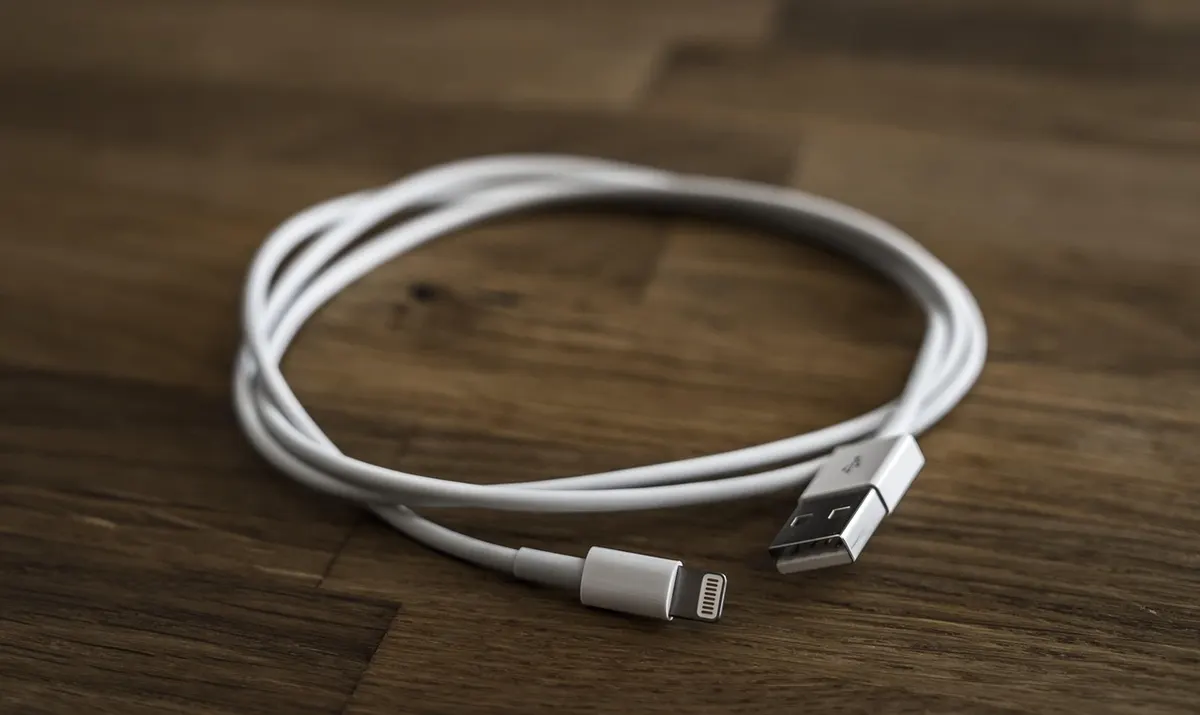
Shure MV6 USB Microphone
Why it’s a good pick: A compact USB-C microphone from an audio brand known for professional mics, designed to make voices sound clearer than a laptop mic.
Best for: Remote workers who present or lead meetings
What to check before buying: Check the connection and desk space. A mic works best in a quiet room or paired with acoustic panels.
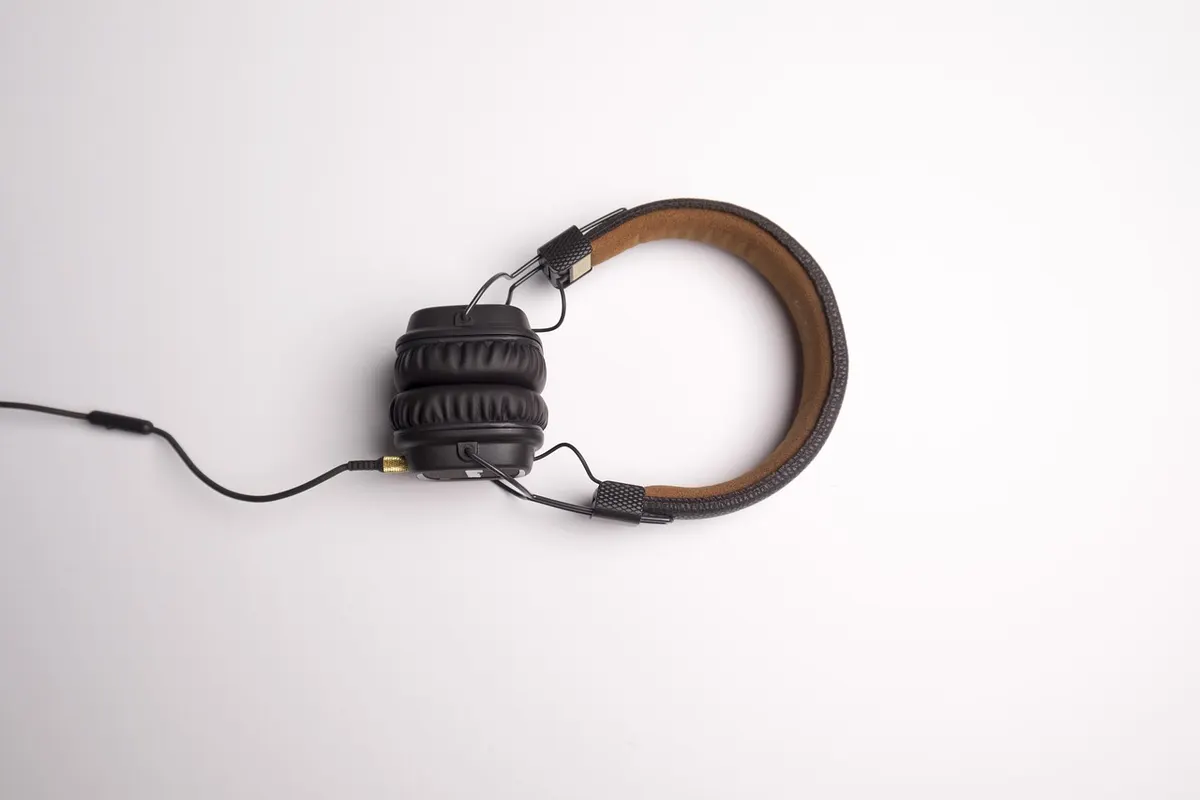
Jabra Evolve2 55 Wireless Headset
Why it’s a good pick: A lightweight, noise-canceling headset with a boom mic designed for all-day calls, and certified versions for common meeting platforms.
Best for: People in noisy homes or shared spaces
What to check before buying: Check the version (Microsoft Teams or UC), connection type and whether a charging stand is included.
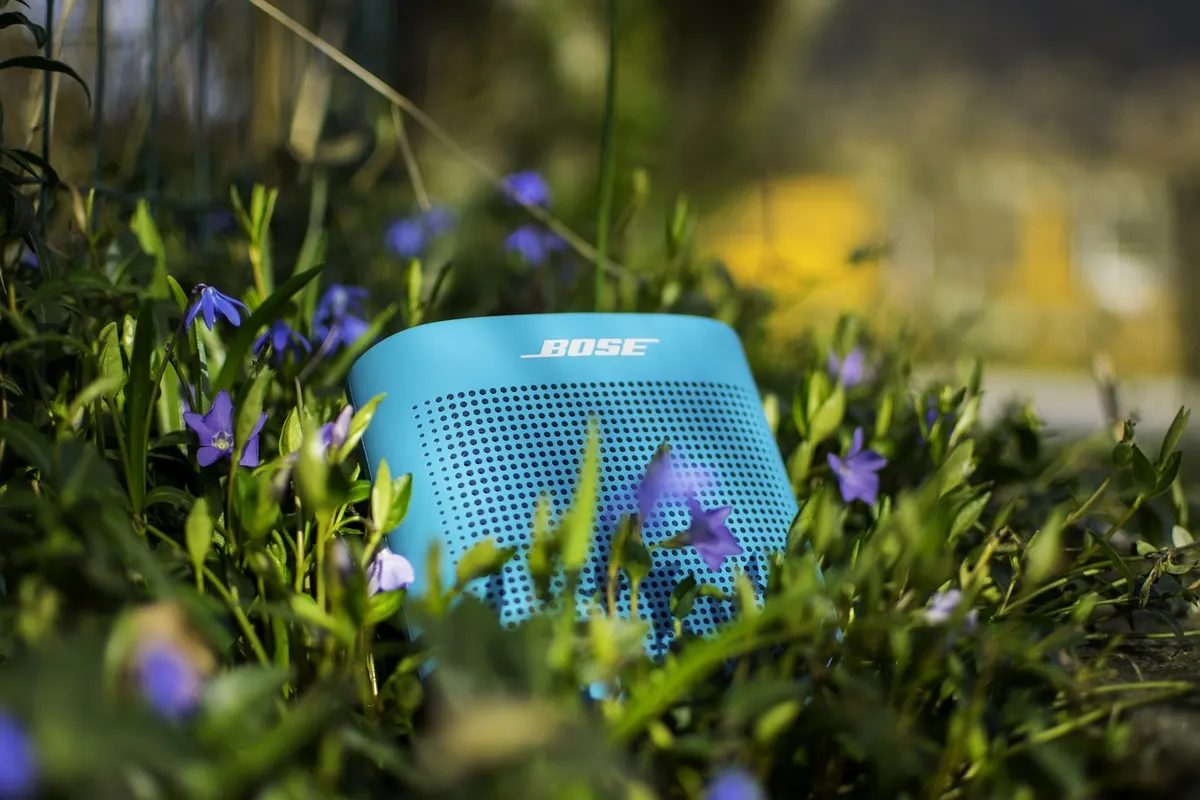
Anker PowerConf S3 Speakerphone
Why it’s a good pick: A portable speakerphone with a multi-mic array that picks up voices around it, so they can take calls without a headset.
Best for: Remote workers who dislike wearing headsets
What to check before buying: Check the connection (USB and Bluetooth) and battery life. It works best in a quiet room.
Acoustic Felt Panels
Why it’s a good pick: Adhesive or hanging felt panels reduce echo in rooms with bare walls, making voices sound clearer on calls.
Best for: Home offices with hard floors and bare walls
What to check before buying: Check the size and number of panels and how they mount. Renters may want removable mounting options.
Run Calls Smoothly
Elgato Stream Deck Neo
Why it’s a good pick: A small desk controller with customizable buttons for muting, turning the camera on and off, opening apps and more.
Best for: Remote workers who juggle calls and apps
What to check before buying: Check compatibility with their computer and meeting apps. It may need some setup time.
More Gift Guides You Might Like
Frequently Asked Questions
What is a good gift for someone who is always on video calls?
A better webcam, a key light, a USB microphone or a noise-canceling headset can make every call look and sound better.
What makes the biggest difference on video calls?
Lighting and audio often matter more than the camera itself. A key light and a good headset or mic are strong upgrades.
Can I use personal devices with a work laptop?
Often yes, but some companies restrict USB devices. Check company policy first.
How can I reduce echo in a home office?
Rugs, curtains and acoustic panels absorb sound and reduce echo.
Getting the Timing Right
- Check the delivery date for the recipient’s address at checkout, not just the “fast shipping” label.
- Popular gadgets can sell out around the holidays and big sale events, so order early.
- Check compatibility before you wrap it. Phones, laptops and smart home apps must match the device.
- Out of time? A digital gift card can be delivered by email on the day.
Before You Buy
- Ask what bothers them most on calls.
- Check their computer ports and operating system.
- Check workplace device policies.
- Check the current price and the delivery date at checkout.